
Learn how to access and manage the approved videos from your campaigns in Montu.
What is the Content Library?
The Content Library ("Biblioteca de Contenidos") is where you can find all the videos that have been approved in your Montu campaigns. They're organized by campaign, and you can also check whether you have usage rights for each piece of content and how long they last.
This section gives you control over and traceability of the material you can reuse on social media, ecommerce, paid campaigns or other media.
🚀 How do you access the Content Library?
- From the Main Dashboard ("Dashboard principal"), click the Campaigns ("Campañas") button.
- At the top, find the Approved Content ("Contenidos Aprobados") card.
- Click View all ("Ver todos").
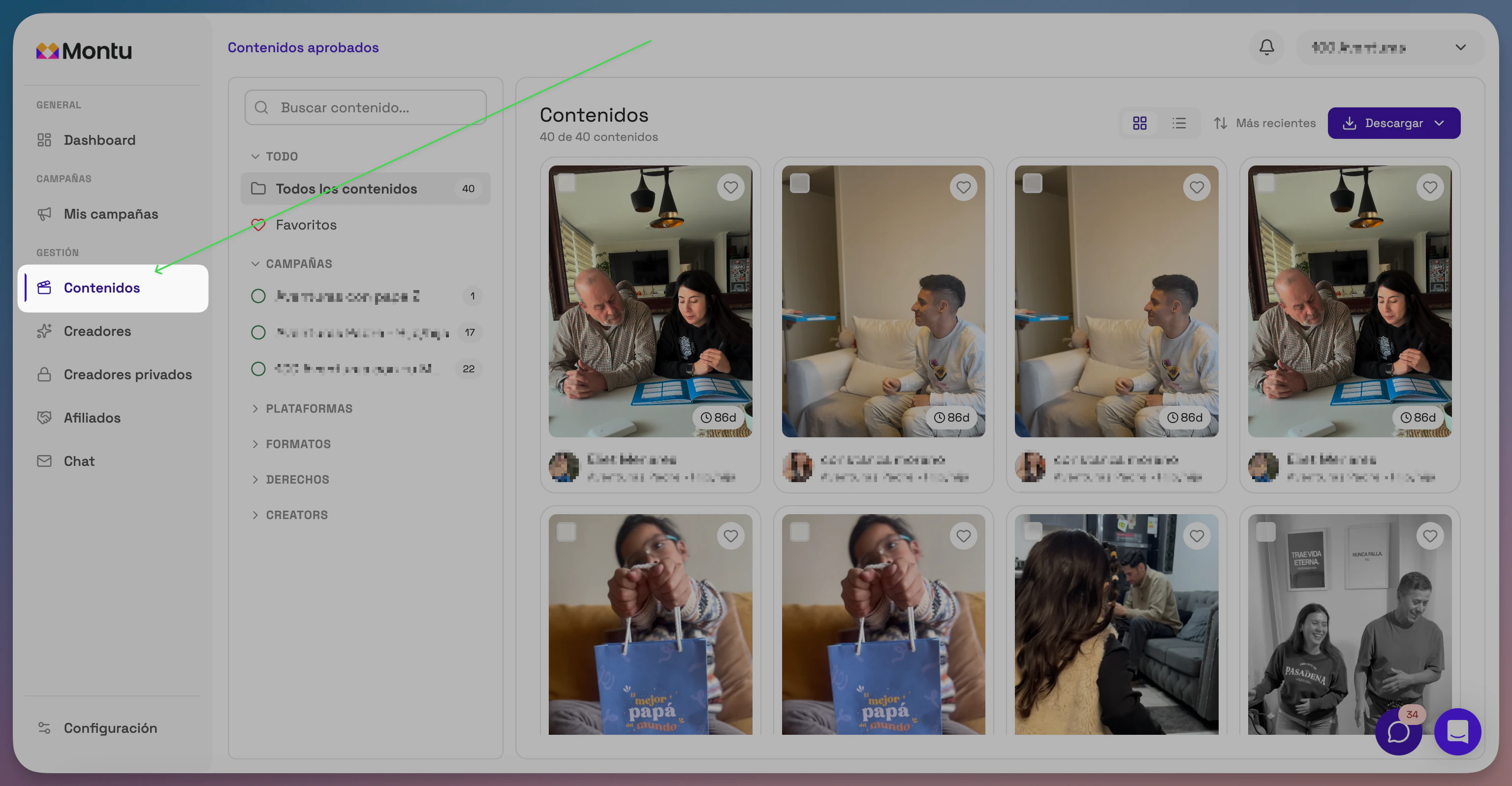
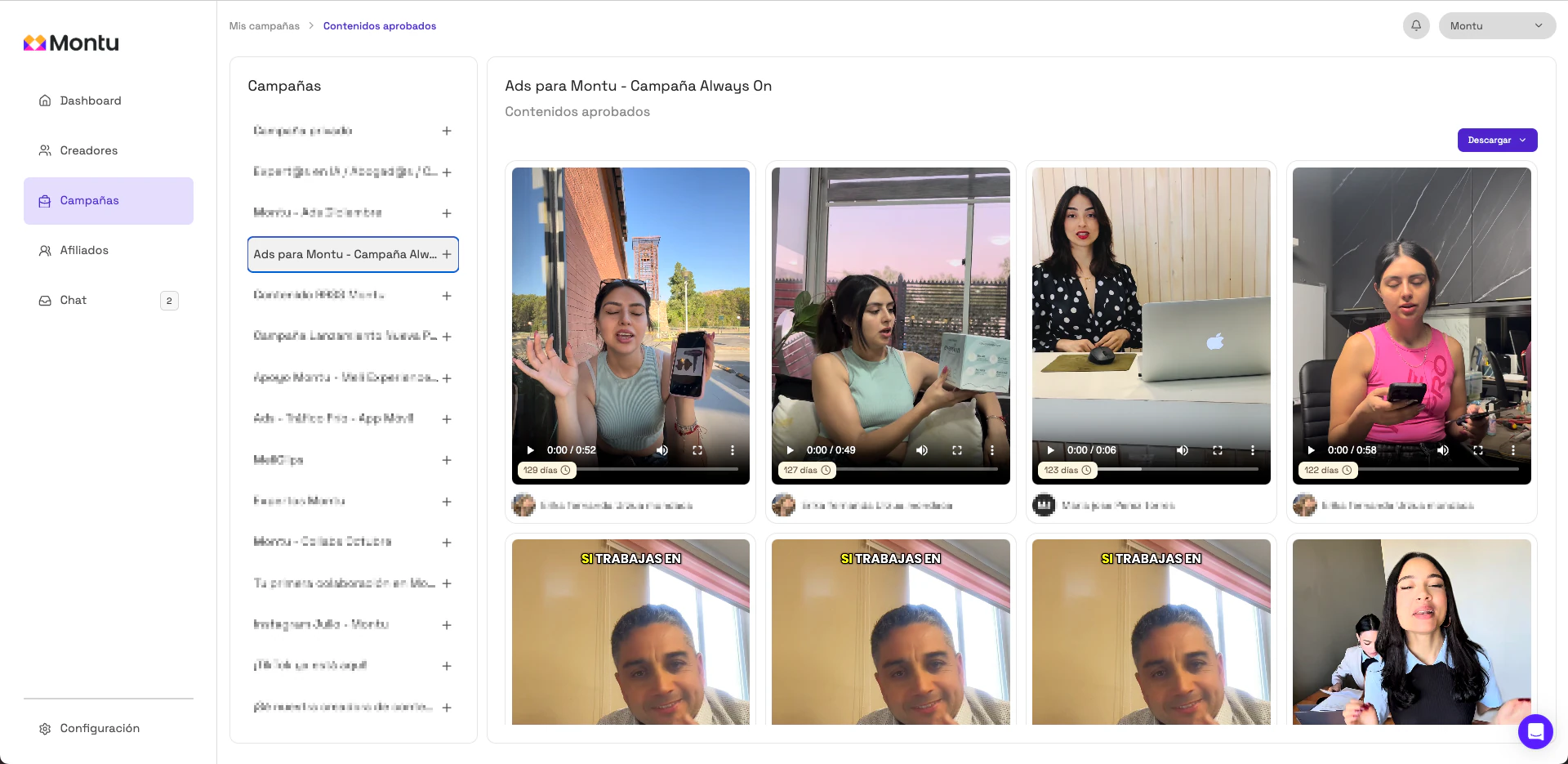
🗂 How is the Library organized?
In the left column you'll find a list of all your active and past campaigns.
📌 When you click a specific campaign:
- You'll see all the approved content linked to that campaign.
- You can check whether or not you have usage rights for each video.
🧠 Why does it matter?
Having your content organized in one place lets you:
- Quickly reuse pieces of content in new campaigns.
- Make sure you're complying with the agreed usage periods.
- Avoid problems from using content outside the terms of the contract.