
✅ When can I complete a Work Order?
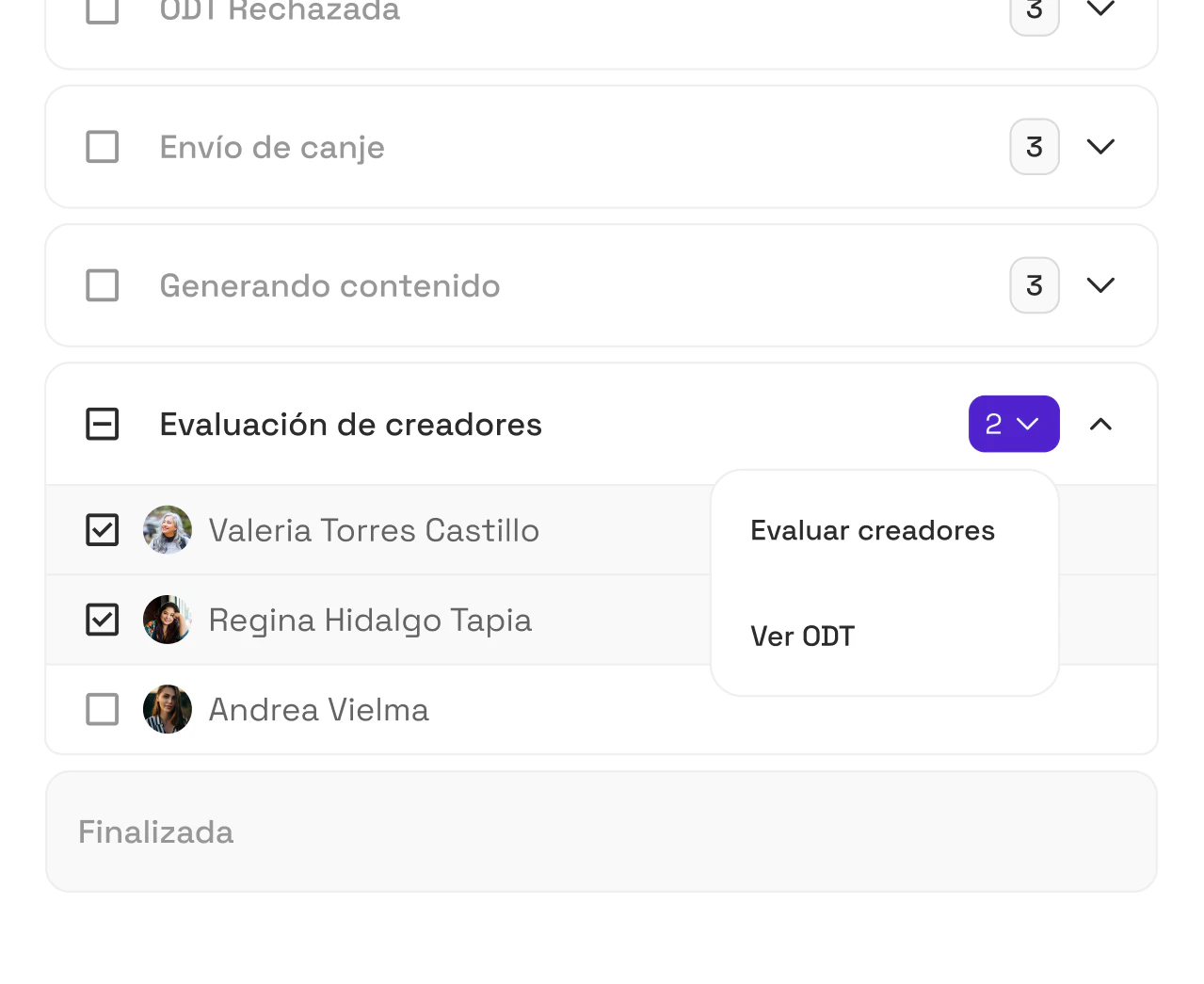
When a creator has delivered and you've approved all the pieces of content, their Work Order automatically moves to the Creator Review ("Evaluación de creadores") status in the campaign pipeline. So, to complete an order, you first need to finish this step.
⭐ How do you leave a review and close the collaboration?
-
Click the Review ("Evaluar") button next to the creator's name.
-
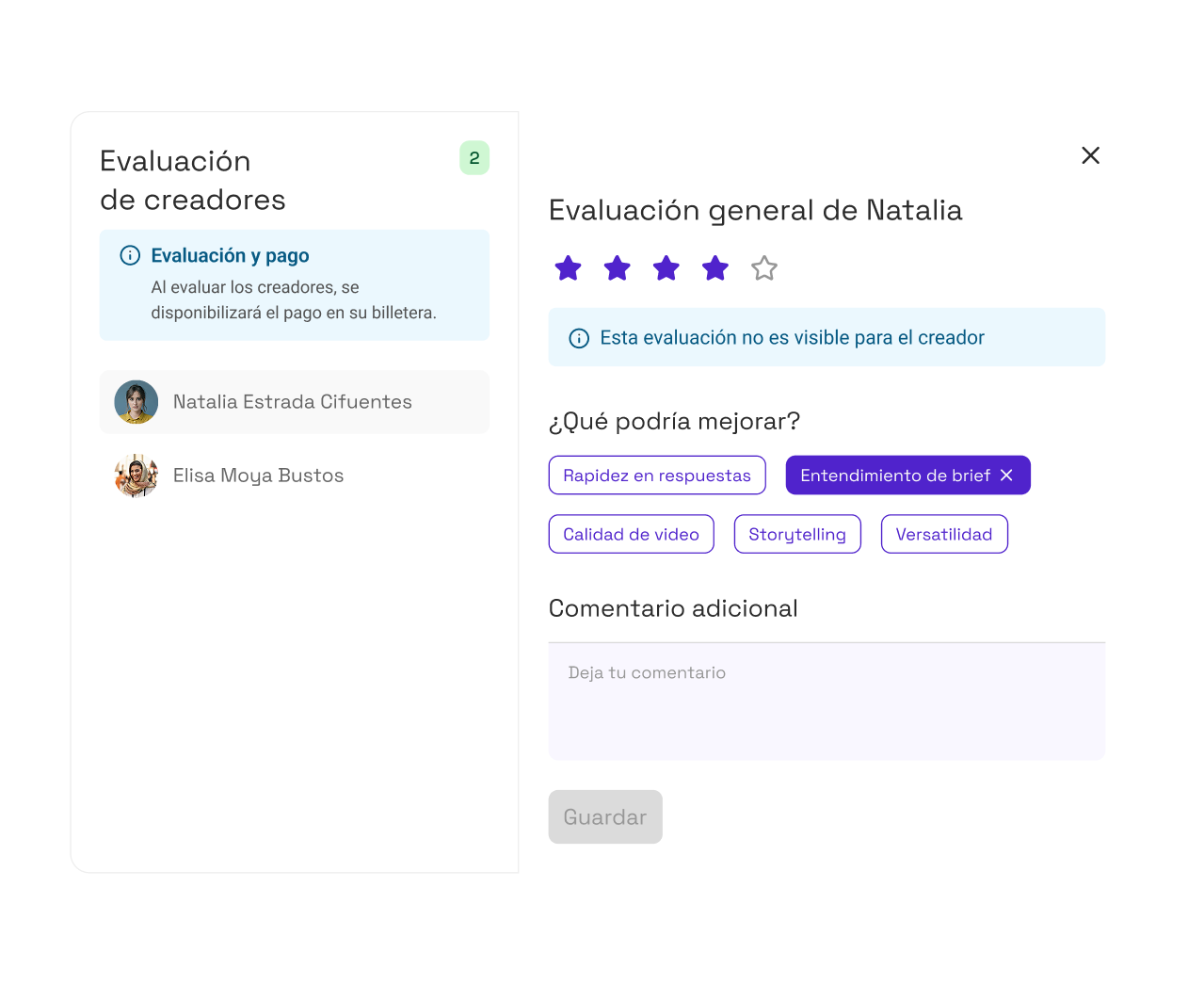
A modal will open with the creator's profile.
-
Leave a rating and a comment about the collaboration.
-
You can also point out the areas you'd like the creator to improve.
-
Click Save ("Guardar") to confirm the review.
Keep in mind that this review is for internal use and isn't visible to creators.
🎉 What happens after you complete the order?
Once you save your review:
-
The order moves to the Completed ("Finalizadas") status in the pipeline.
-
If the order had a payment attached, it will be released automatically to the creator's wallet in the app.
-
Montu will issue the corresponding invoice for the Work Order, and you can find it in the Settings → Billing ("Configuración → Facturación") section of your account.
💡 Important note: Completing the order also lets you keep collaborating with that creator in the future, with a clear review history.